Use this HLS player to test public M3U8 streams, inspect quality levels, read event logs, classify playback errors, and copy a diagnostic report for developers or streaming support teams.
HLS - Browser M3U8 Player
Online video
Use the controls above after loading a stream. Unavailable options explain what is missing.
No HLS events yet. Press Play or choose a demo stream to start diagnostics.
Example M3U8 Links (Click to Use)
1
Tears of Steelhttps://demo.unified-streaming.com/k8s/features/stable/video/tears-of-steel/tears-of-steel.ism/.m3u8
Website embed
Embed Player on Your Website
Generate a lightweight iframe snippet for a public HLS URL. The generated code points to m3u8-player.app and gives publishers, documentation teams, and developers a quick way to share an m3u8 player preview from any website, help center, or internal dashboard.
Responsive 16:9 iframe layout for articles and docs.
URL encoding keeps signed query strings intact.
Useful for demos, support notes, stream QA, and customer handoff.
iframe code generated.
Share this stream
Generate a QR code image that opens this stream in M3U8 Player.
How this HLS player helps debug streams
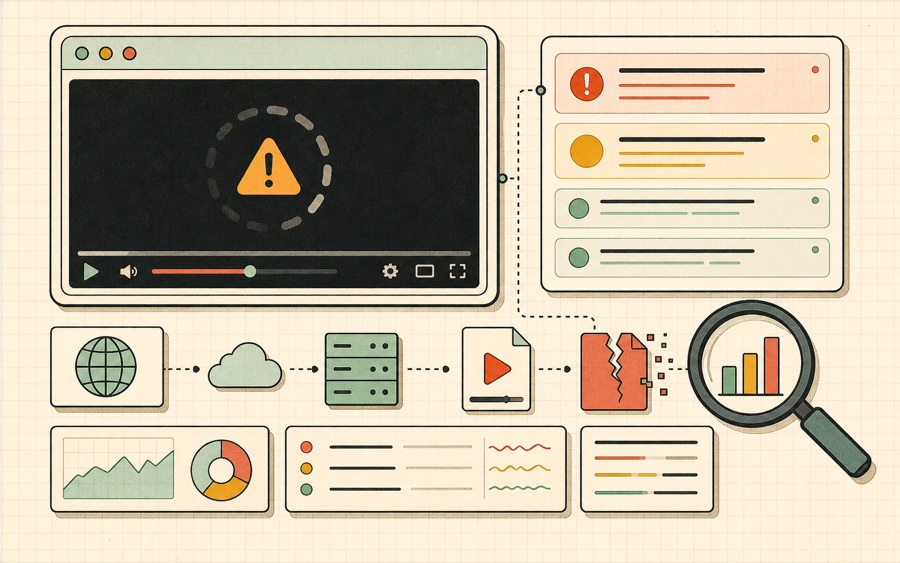
This HLS player records manifest loading, level switching, fragment loading, and HLS error events. When playback fails, the HLS player explains the likely cause and the next action instead of only showing a generic video error.
ABR
Quality selector
Use Auto or choose a specific HLS level when a stream exposes multiple bitrate variants. A useful HLS player should make adaptive bitrate behavior visible.
LOG
Event log
Review manifest loaded, fragment loaded, level switched, and error events directly in the HLS player while you reproduce an issue.
ERR
Error guidance
Errors are classified as CORS, network, manifest, media, forbidden, or unsupported browser where possible, so the HLS player gives a next step.
TXT
Diagnostic report
Copy URL host, manifest type, HLS levels, browser, latest error, and recent events from the HLS player into a support ticket.
What is an HLS player?
An HLS player is a browser or app-based video player that reads an HTTP Live Streaming playlist and plays the media segments referenced by that playlist. A typical HLS player starts with a master M3U8 file, reads one or more variant playlists, chooses a bitrate level, downloads short media fragments, and keeps the buffer healthy while network conditions change. For streaming teams, an HLS player is not just a viewer. It is also the quickest way to confirm whether a CDN, encoder, packager, token rule, or playlist rewrite is working.
This HLS player is designed for people who need a practical testing surface. Video engineers can paste a public stream and inspect whether levels appear. Support teams can ask a customer for a stream URL and reproduce an issue. IPTV users can preview a channel before saving it. Developers can copy a diagnostic report instead of guessing whether the failure is CORS, a 403 response, a missing manifest, a codec mismatch, or a browser limitation.
Paste the M3U8 URL.The HLS player accepts public HTTP or HTTPS playlist links.
Press Play.The HLS player loads the manifest, attaches video, and records events.
Copy the report.Send the HLS player report to the team that owns the stream.
Why developers need a diagnostic HLS player
A simple HLS player can tell you whether video appears. A diagnostic HLS player explains why video does or does not appear.
A production stream can fail in ways that look identical to viewers but mean very different things to engineers. A blank video element might be caused by a CORS header, an expired signed URL, a variant playlist that returns 404, a media segment that returns 403, an unsupported audio codec, a broken subtitle track, or a network timeout. Without HLS player diagnostics, teams often waste time switching between browser devtools, command-line tools, and multiple desktop players. This HLS player keeps the first round of evidence in one place.
The event log is useful because HLS is a sequence of requests. The HLS player first requests a manifest. If that succeeds, it may request a level playlist. If that succeeds, it requests fragments. If the stream uses alternate audio, subtitles, or multiple qualities, the HLS player has to manage extra tracks and transitions. Seeing manifest loaded, fragment loaded, level switched, and error events helps you locate the stage where playback stops.
Quality selection matters for adaptive bitrate debugging. If a master playlist exposes six levels but the HLS player only sees one, the playlist may be rewritten incorrectly. If a high bitrate level fails but Auto works, the issue may be limited to a particular rendition. If the HLS player switches repeatedly, the stream may be too aggressive for the current network or the segment ladder may be poorly tuned. Manual level selection makes those observations easier.
The diagnostic report is built for handoff. Instead of sending a vague message like “the HLS player is broken,” you can send the URL host, manifest type, browser, latest error category, hls.js details, and recent event log. That gives a streaming engineer enough context to check CDN logs, token rules, packager output, or codec settings. It also gives support teams a consistent template when escalating customer playback issues.
This HLS player does not proxy private streams or bypass access rules. It asks your browser to load the stream directly. That is important because many browser playback problems are origin-specific. If a CDN does not allow this website to read a playlist, the HLS player will classify the issue and link to a guide, but the fix belongs in server configuration. That makes the tool useful for authorized testing and honest troubleshooting.
HLS player troubleshooting checklist
Use this checklist when the HLS player does not start playback or stops after a few fragments.
Symptom
Likely cause
Next action
The manifest never loads
CORS, DNS, HTTPS, 403, or 404
Open the M3U8 URL as text and review the HLS player error category.
The manifest loads but playback fails
Variant playlist or segment problem
Check fragment events and confirm segment URLs return 200 or 206.
Only one quality appears
Media playlist or rewritten master playlist
Confirm the source playlist contains multiple EXT-X-STREAM-INF entries.
Audio is missing
Codec, alternate audio, or muted output
Check audio tracks and test a stream with AAC audio.
Works in VLC but not browser
CORS or browser codec support
Use the HLS CORS guide and verify codec compatibility.
HLS player FAQ
Short answers for common HLS player testing questions.
Is this HLS player free?
Yes. This HLS player is free for testing public M3U8 links in a browser.
Why does the HLS player show a CORS error?
The stream server has not allowed this website origin to read playlists or segments. Update access-control headers on the streaming server or CDN.
Can this HLS player switch quality?
Yes, when hls.js is used and the stream exposes multiple levels, the HLS player shows Auto and manual level options.
Can I send diagnostics to support?
Yes. Use Copy diagnostics after reproducing the failure. The HLS player report includes useful playback and browser context.
Does this HLS player host my video?
No. The HLS player asks your browser to request the stream from the original URL. It does not upload or host your media.