M3U8 Player Comparison
This m3u8 player comparison explains the difference between a basic online video box and a diagnostic HLS player that exposes quality levels, logs events, classifies errors, and produces reports when streams fail.
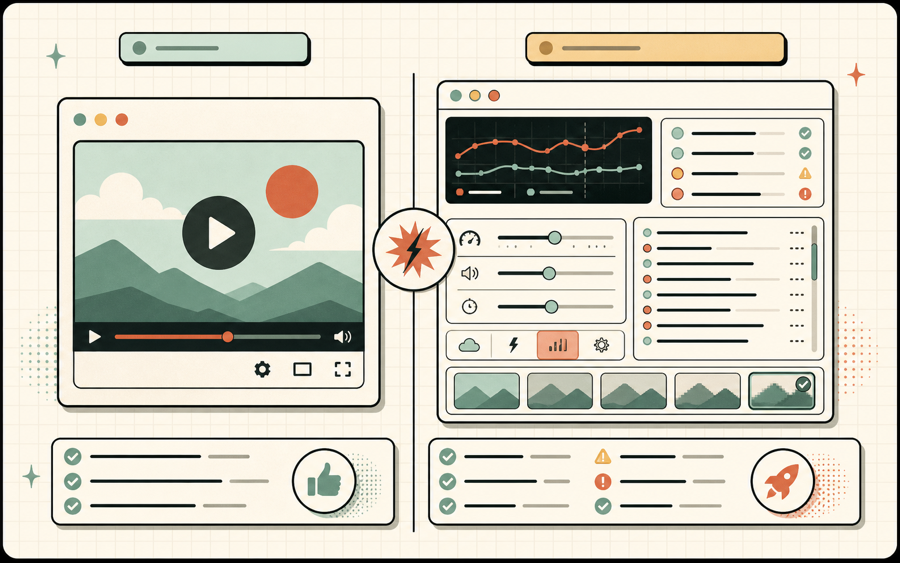
M3U8 player comparison table
Use this m3u8 player comparison to choose the right tool for stream preview, developer debugging, IPTV checks, and support handoff.
| Capability | Basic m3u8 player | m3u8-player.app Phase 1 |
|---|---|---|
| Playback | Paste URL and press play. | Paste URL, use demo streams, manage recent streams, and share embed links. |
| Quality | Usually hidden. | Shows hls.js levels and allows Auto or manual quality selection. |
| Errors | Generic failed playback message. | Classifies CORS, 403, manifest, segment, network, codec, and unsupported browser issues where possible. |
| Debugging | No structured log. | Manifest, fragment, level switch, audio/subtitle, and error events are logged. |
| Support handoff | User manually describes the issue. | One-click diagnostic report includes URL host, manifest status, browser, errors, and events. |
Why an m3u8 player comparison matters

An m3u8 player comparison is useful because many online tools look similar at first glance. They provide a text field, a Play button, and a video element. For casual viewing, that may be enough. For developers, support teams, IPTV users, and streaming operators, a simple player often stops short at the exact moment when help is needed. If a stream fails, users need to know whether the issue is CORS, token authorization, manifest structure, codec compatibility, segment loading, or browser support.
This m3u8 player comparison focuses on the product depth behind playback. A basic m3u8 player answers one question: can the browser display the stream right now? A diagnostic m3u8 player answers several questions: did the manifest load, how many quality levels were detected, did fragments load, what error type was reported, what is the stream host, and what should the user do next?
- Basic playback.Good for quick viewing when the stream is already known to work.
- Diagnostic playback.Better for troubleshooting because it records events and classifies errors.
- Support workflow.Best when the player can produce a copyable report for another team.
What to compare in an M3U8 player
A serious m3u8 player comparison should evaluate more than whether a public demo stream plays.
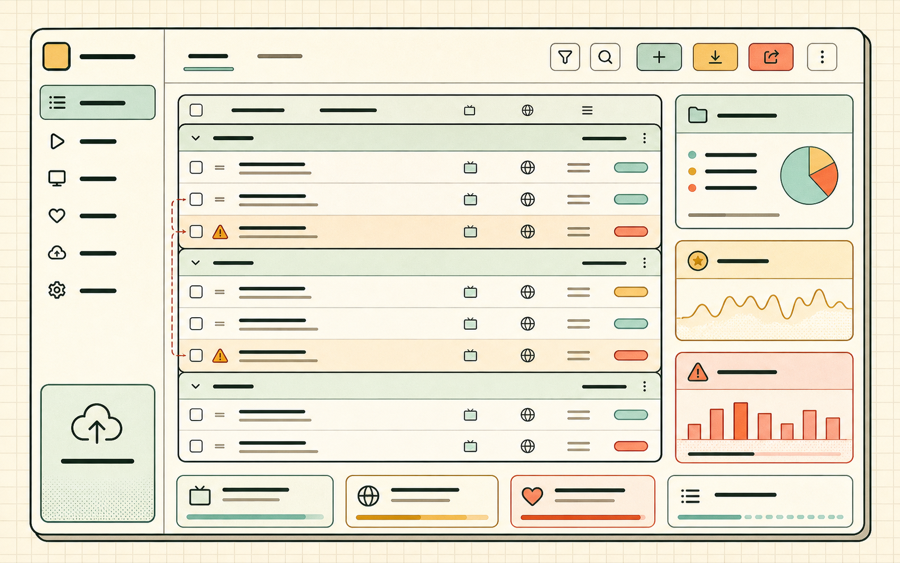
The first comparison point is manifest handling. A useful player should handle both master playlists and media playlists. A master playlist contains variants for different resolutions or bitrates, while a media playlist points to the segment list for one rendition. A basic tool may play both without explaining the difference. A diagnostic tool should show whether the stream looks like a master playlist, whether levels exist, and whether those levels can be selected. That makes an m3u8 player comparison practical for adaptive bitrate testing.
The second comparison point is error clarity. A basic player often reports only that playback failed. A better player separates fatal and nonfatal errors and maps them to likely causes. CORS errors mean the streaming server has not allowed the browser origin. A 403 error often means token, referrer, cookie, or IP restrictions. A manifest 404 means the playlist path may be wrong or stale. A media error may mean unsupported codecs. A good m3u8 player comparison should reward tools that turn these failures into next steps.
The third comparison point is visibility into HLS events. Event logs are not just for engineers. They help anyone understand how far the player got. If the manifest loaded but no fragment loaded, the problem is probably after the playlist stage. If several fragments loaded and then playback failed, the issue may be a later segment, a bitrate switch, or a buffer problem. This kind of evidence makes a diagnostic m3u8 player more useful than a plain viewer.
The fourth comparison point is quality control. Many streams include multiple renditions. If a player lets you choose Auto, 360p, 720p, or 1080p, you can test whether one level is broken while another level works. That is important for encoders, packagers, and CDN workflows. A meaningful m3u8 player comparison should include whether quality levels are visible and whether manual switching is supported.
The fifth comparison point is handoff. Playback bugs often involve more than one person. A support agent may collect a stream URL from a customer. A frontend developer may reproduce the issue. A streaming engineer may inspect CDN logs. A diagnostic report makes that handoff cleaner by including the URL host, manifest type, browser, levels, last error, and recent events. This site is built around that support workflow.
M3U8 player comparison by user type
Different users need different depth from a player.
Developers
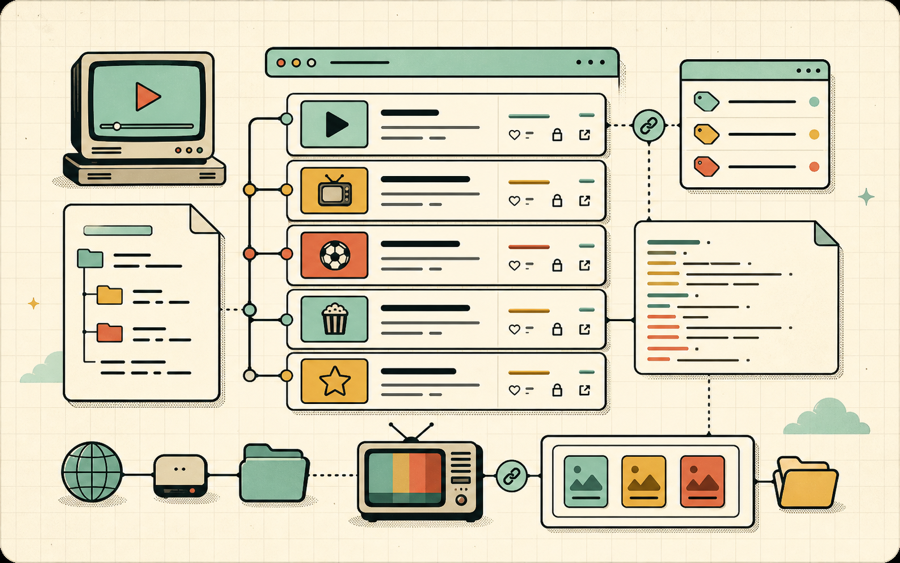
Developers need levels, events, error details, browser context, and a repeatable report. For them, the best result in an m3u8 player comparison is a diagnostic tool.
Support teams
Support teams need simple next steps. They need to know whether a stream is blocked, expired, incompatible, or likely misconfigured.
IPTV users
IPTV users need quick channel preview, recently played streams, favorites, and clear feedback when a playlist entry is stale or region-limited.
M3U8 player comparison FAQ
Short answers for evaluating an online M3U8 player.
What is the most important feature in an m3u8 player comparison?
Error clarity is the most important feature when the goal is troubleshooting. Playback alone is not enough.
Should an M3U8 player include a quality selector?
Yes. A quality selector helps confirm whether all HLS variants work and whether adaptive bitrate behavior is healthy.
Why compare event logs?
Event logs show whether failure happens during manifest loading, level loading, fragment loading, or media playback.
Is a diagnostic report useful?
Yes. It gives developers and support teams a common record instead of a vague complaint.
How to use this m3u8 player comparison
Use this m3u8 player comparison as a buyer-style checklist before choosing a tool for stream support. A good m3u8 player comparison should ask whether the player shows HLS levels, whether the player records events, whether the player explains CORS and 403 failures, and whether the player can produce a report. This m3u8 player comparison also helps teams decide when a simple viewer is enough and when a diagnostic player is required.
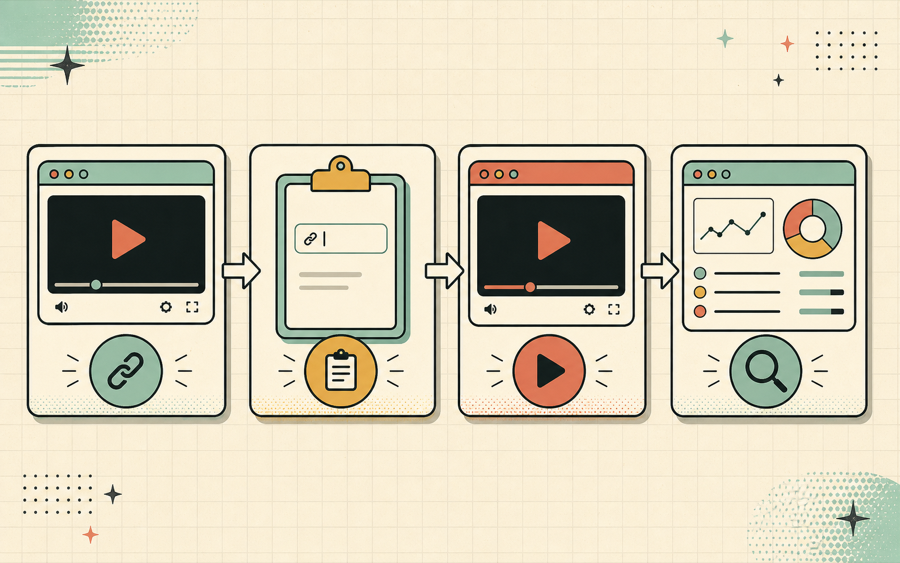
For a quick demo, the m3u8 player comparison may seem simple: paste a URL and see whether the video starts. For real operations, the m3u8 player comparison should be stricter. A support team needs evidence. A developer needs error detail. A streaming engineer needs the host, manifest type, browser, HLS events, and levels. That is why this m3u8 player comparison favors diagnostic features over decoration.
If you are comparing tools for a help desk, put copyable diagnostics near the top of your m3u8 player comparison. If you are comparing tools for encoder testing, put quality selection and event logs near the top of your m3u8 player comparison. If you are comparing tools for IPTV previews, put recent streams, favorites, and clear error categories near the top of your m3u8 player comparison. The best m3u8 player comparison always starts with the user’s real job.
A final m3u8 player comparison question is whether the tool still helps when the stream fails. A viewer-only m3u8 player comparison ends at playback. A diagnostic m3u8 player comparison continues into logs, reports, and guide links. For teams that handle live streams, VOD assets, IPTV lists, and customer support, that kind of m3u8 player comparison is more useful than a prettier video box.
In short, this m3u8 player comparison favors evidence. A strong m3u8 player comparison checks playback, quality, logs, errors, reports, and support handoff. If a tool cannot answer those questions, the m3u8 player comparison should treat it as a basic viewer rather than a complete testing product.
Use the phrase m3u8 player comparison as a practical checklist: m3u8 player comparison for playback, m3u8 player comparison for diagnostics, m3u8 player comparison for support reports, and m3u8 player comparison for real stream operations.