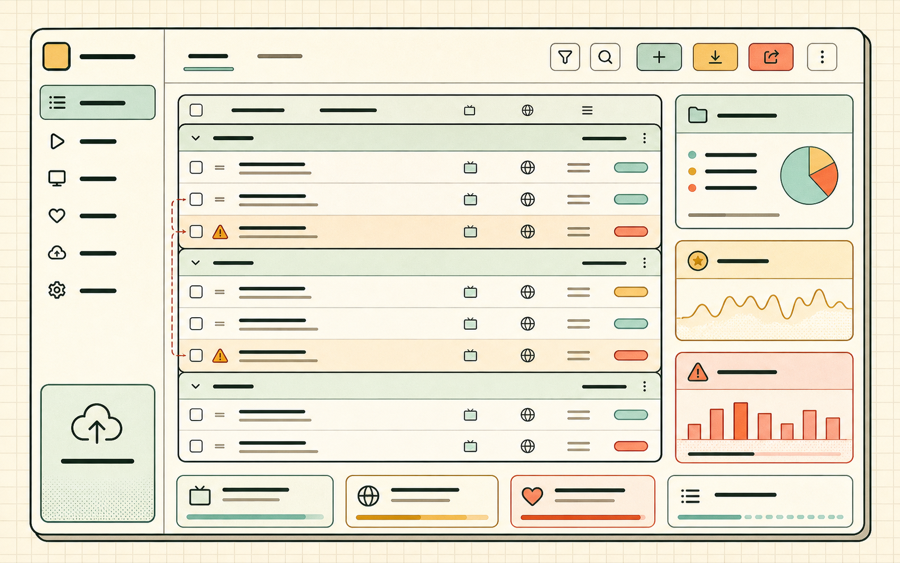
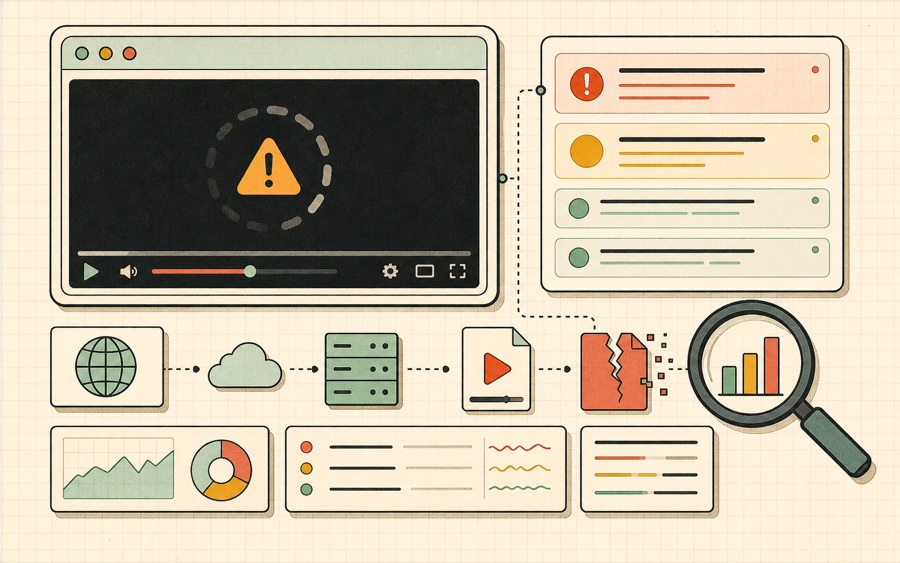
Use this IPTV playlist manager to clean M3U files, inspect channel groups, remove duplicate URLs, copy stream links, save favorites, and export a tidy playlist for your own player or device.
HLS - Browser M3U8 Player
Online video
Use the controls above after loading a stream. Unavailable options explain what is missing.
No HLS events yet. Press Play or choose a demo stream to start diagnostics.
Example M3U8 Links (Click to Use)
1
Tears of Steelhttps://demo.unified-streaming.com/k8s/features/stable/video/tears-of-steel/tears-of-steel.ism/.m3u8
Website embed
Embed Player on Your Website
Generate a lightweight iframe snippet for a public HLS URL. The generated code points to m3u8-player.app and gives publishers, documentation teams, and developers a quick way to share an m3u8 player preview from any website, help center, or internal dashboard.
Responsive 16:9 iframe layout for articles and docs.
URL encoding keeps signed query strings intact.
Useful for demos, support notes, stream QA, and customer handoff.
iframe code generated.
Share this stream
Generate a QR code image that opens this stream in M3U8 Player.
IPTV Playlist Manager
0 channels
Total channels0Groups0Duplicate URLs0Invalid or failed0Selected0
Import M3U text or a file to start managing an IPTV playlist.
SelectChannelGroupStatusActions
No channels match the current filters.
Manage M3U channels before you press play
An IPTV playlist manager should make a long M3U file easier to trust. This IPTV playlist manager focuses on practical cleanup: import, parse, search, filter, test, delete, favorite, and export.
M3U
Metadata parser
The IPTV playlist manager reads EXTINF rows, channel names, tvg-id, tvg-name, tvg-logo, group-title, and HTTP stream URLs.
FIND
Search and group
Search by channel, group, tvg-id, or URL, then filter by group so the IPTV playlist manager stays useful with large lists.
FIX
Cleanup actions
Find duplicate URLs, delete selected channels, remove repeated entries, and export a cleaner M3U from the IPTV playlist manager.
LIVE
Health checks
Run visible-channel checks for OK, 403, 404, CORS, timeout, and failed requests directly inside the IPTV playlist manager.
What is an IPTV playlist manager?
An IPTV playlist manager is a browser tool for organizing M3U channel lists before you load them into an IPTV player. A normal playlist can contain hundreds or thousands of entries, and many of those entries may have inconsistent names, duplicate stream URLs, missing groups, dead links, or metadata that is hard to read in a small app interface. This IPTV playlist manager gives you a workbench for that messy step. It imports M3U text or a local file, turns the playlist into structured rows, and lets you decide what is worth keeping.
The goal is not to replace your final player. The goal is to make the playlist cleaner before you play it. With this IPTV playlist manager, you can paste a list, see the number of channels, see how many groups exist, find duplicate URLs, check the current visible batch, and export a new M3U file that preserves useful metadata. That makes it easier to move between web testing, a set-top box, a mobile player, or a local media app without carrying stale entries everywhere.
Import M3U text.Paste the playlist or load a local file into the IPTV playlist manager.
Clean the list.Search, filter, select visible rows, remove duplicates, and delete unwanted entries.
Export M3U.Download a cleaned playlist from the IPTV playlist manager with metadata preserved.
Why playlist cleanup matters for IPTV users
A large IPTV playlist is only useful when you can find the channel you want and remove the entries that no longer work.
Many IPTV lists grow over time. A user may merge a public sample, a private authorized source, a sports group, a news group, and several test streams into one file. Without an IPTV playlist manager, that file becomes hard to search and harder to maintain. Duplicate URLs create clutter. Old channels remain in the list even after the server starts returning 404. Some streams return 403 because a token expired or the origin blocks the browser. Other entries still load, but their names are vague because the M3U metadata was not consistent. An IPTV playlist manager gives you a place to see those problems before they reach the player.
Group filtering is one of the most important features in an IPTV playlist manager. The group-title field tells a player whether an entry belongs to news, movies, sports, regional channels, radio, testing, or another category. When the group-title field is missing, a playlist can feel unorganized even if every URL is valid. This IPTV playlist manager keeps ungrouped channels visible, but it also shows the group count and lets you narrow the list quickly. That makes it easier to decide whether a playlist is ready for everyday use.
Duplicate detection is another practical requirement. Some M3U files contain the same stream under several names. That can be intentional when one URL serves multiple labels, but it is often just a merge artifact. The IPTV playlist manager counts duplicate stream URLs and offers a one-click removal path. Because export keeps the first copy and preserves metadata, you can clean obvious repetition without rebuilding the entire playlist from scratch.
Health checks are limited by browser security, but they still help. This IPTV playlist manager uses direct browser requests, so CORS rules may block some checks. That limitation is useful information: if a stream works in a native app but fails in a browser, the issue may be CORS or codec support rather than the URL itself. The status column separates OK, 403, 404, timeout, CORS, and generic errors so you can triage a batch before testing individual channels in the player.
Favorites and copy actions make daily work faster. If you find a channel you want to test later, select it and save it to browser favorites. If you need to send a stream to a colleague, copy the URL from the row. If you need to test playback immediately, open the Play action and inspect the stream in the HLS player. The IPTV playlist manager is designed to connect cleanup with playback diagnostics instead of making playlist work a separate manual process.
IPTV playlist manager feature checklist
Use this checklist when comparing this IPTV playlist manager with a basic text editor or a simple IPTV player.
Feature
Why it matters
How this page handles it
EXTINF parsing
Channel metadata should be visible instead of buried in raw text.
The IPTV playlist manager extracts names, tvg fields, logos, groups, and URLs.
Search
Large lists need fast narrowing by channel, group, and URL.
Search is applied before table rendering so a thousand channels stay usable.
Duplicate cleanup
Merged playlists often repeat the same stream.
Duplicate URL counts and removal actions are built in.
Health status
Broken links waste time in the player.
Visible rows can be checked for OK, 403, 404, timeout, CORS, or failed status.
M3U export
Cleanup should produce a file you can use elsewhere.
The IPTV playlist manager exports a cleaned M3U with metadata preserved.
When to use the manager workflow
The IPTV playlist manager is most useful when a playlist is too large for manual editing but still needs human review before export.
Before importing a provider file
Use the IPTV playlist manager to inspect group names, remove obvious duplicates, and confirm that important HLS links are readable before the file reaches a living-room player. The IPTV playlist manager keeps the review fast because search, group filters, and copy actions sit beside the channel rows.
After merging several sources
Use the IPTV playlist manager after every merge because repeated stream URLs and inconsistent group titles are common. The IPTV playlist manager can select visible rows, delete unwanted channels, and export a cleaner M3U without forcing you to edit raw text line by line.
During support triage
Use the IPTV playlist manager when a user says a playlist is broken but cannot identify the failing channel. The IPTV playlist manager can filter the group, run a visible health check, copy the suspect URL, and open the stream in the diagnostic player for deeper testing.
For recurring playlist maintenance
Use the IPTV playlist manager as a repeatable maintenance step: import, search, check, favorite, delete, export. A consistent IPTV playlist manager workflow keeps large channel lists understandable, and a browser-based IPTV playlist manager is easy to run on any desktop without installing a separate editor.
IPTV playlist manager FAQ
Short answers for common IPTV playlist manager workflow questions.
Workflow summary: use the IPTV playlist manager for import, use the IPTV playlist manager for metadata review, use the IPTV playlist manager for group cleanup, use the IPTV playlist manager for duplicate checks, use the IPTV playlist manager for visible health checks, use the IPTV playlist manager for favorites, use the IPTV playlist manager for URL copying, and use the IPTV playlist manager for final export. The IPTV playlist manager should become the repeatable step between receiving a raw M3U file and opening that file in a player. When the IPTV playlist manager is part of the routine, the IPTV playlist manager keeps channel lists smaller, clearer, and easier to support. A practical IPTV playlist manager does not hide the stream URL; the IPTV playlist manager keeps every important decision visible.
Is this IPTV playlist manager free?
Yes. The IPTV playlist manager is free to use in your browser for public or authorized playlists.
Does the IPTV playlist manager upload my M3U file?
No. The current IPTV playlist manager parses the file in your browser and stores a limited working copy in local storage.
Can the IPTV playlist manager handle big lists?
It is designed for lists up to about one thousand visible rows and stores the first 1200 local rows to keep the browser responsive.
Why do some checks show CORS?
The IPTV playlist manager uses browser requests, so servers that do not allow this origin may block status checks even when a native player can load the stream.
Does export keep group-title and tvg metadata?
Yes. Export keeps channel names, tvg-id, tvg-name, tvg-logo, group-title, and the stream URL when those fields are present.