Privacy Policy
This Privacy Policy explains how m3u8-player.app handles browser playback, M3U8 URLs, diagnostics, playlist data, and embed links when you use the website.
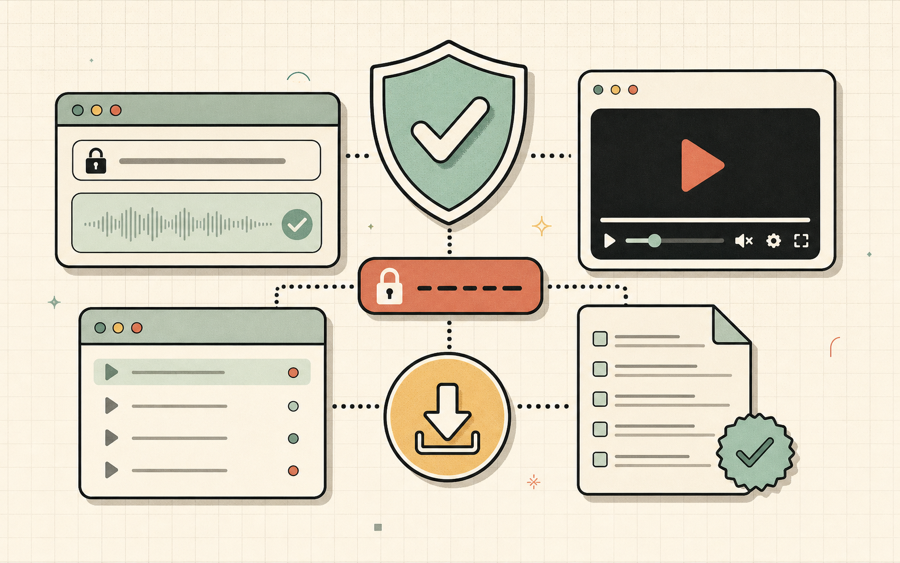
What this policy covers
m3u8-player.app is a browser-based tool for testing public or authorized M3U8 and HLS streams. The website is designed so the browser loads stream URLs directly from the source you provide. We do not ask you to upload video files, and the core player workflow does not require an account.
This policy covers the website, the online player, playlist tools, embed generator, diagnostic reports, recently played streams, favorites, and local playlist data. It does not cover the privacy practices of third-party streaming hosts, CDNs, QR code services, analytics providers, or websites that you open from links.
- No video upload.The player requests remote stream URLs from your browser.
- Local playlist data.Recent streams, favorites, and playlist entries can be stored in your browser.
- Direct stream requests.Your browser may contact the stream host you enter.
- Diagnostics are user-controlled.You decide when to copy or share reports.
Information processed by the player
The player needs a stream URL to test playback and generate diagnostics.

When you paste an M3U8 URL, the browser uses that URL to request playlists, variants, segments, subtitles, audio tracks, and related HLS resources. Those requests are made from your browser to the stream host. The stream host may receive your IP address, browser user agent, referrer, and other request information according to its own server logs and privacy practices.
The diagnostic panel can display host, protocol, manifest status, playback events, error categories, browser details, quality levels, audio tracks, subtitle tracks, and recent HLS events. This data is generated to help you understand playback behavior. We do not require you to submit a diagnostic report to use the player. If you copy a report and send it elsewhere, you are responsible for deciding whether the URL or diagnostic details contain sensitive information.
Some streams use signed URLs, tokens, cookies, referrer rules, or private access controls. Treat private or tokenized URLs as sensitive. Do not paste URLs that you are not authorized to test, and do not share diagnostic reports that expose credentials, private tokens, or access-controlled resources.
Local storage
The playlist workflow uses browser storage so you can reopen recent streams and favorites.
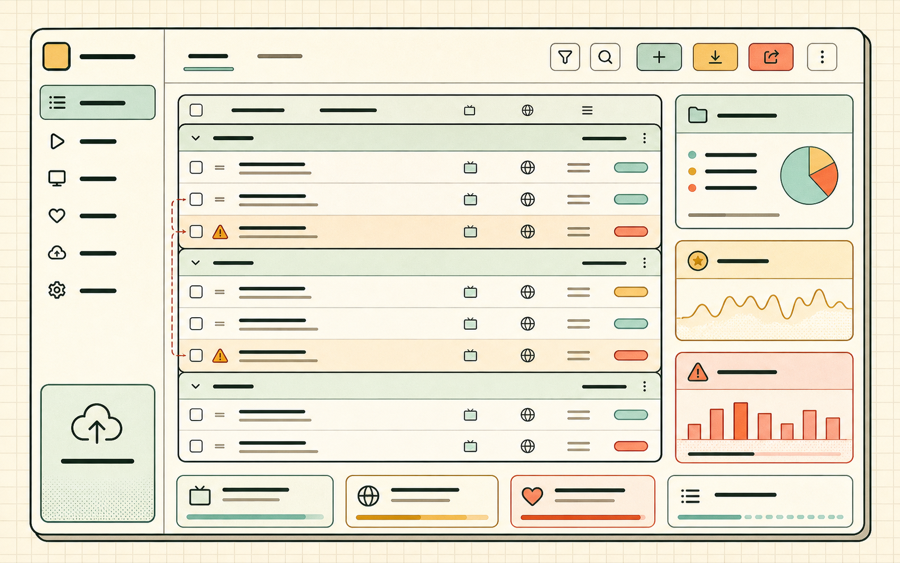
The website may store playlist entries, recently played streams, favorites, and playlist manager data in your browser localStorage. This data stays on your device unless your browser syncs storage, you export a playlist, or you copy and share a URL. You can clear this data by clearing your browser site data for m3u8-player.app.
Local storage is used for convenience, not identity. It helps the player remember streams that you added, imported, played, or saved. Because local storage can persist across sessions, avoid storing private stream URLs on shared computers or public devices.
Third-party services and external streams
Some features involve external services or external stream hosts.
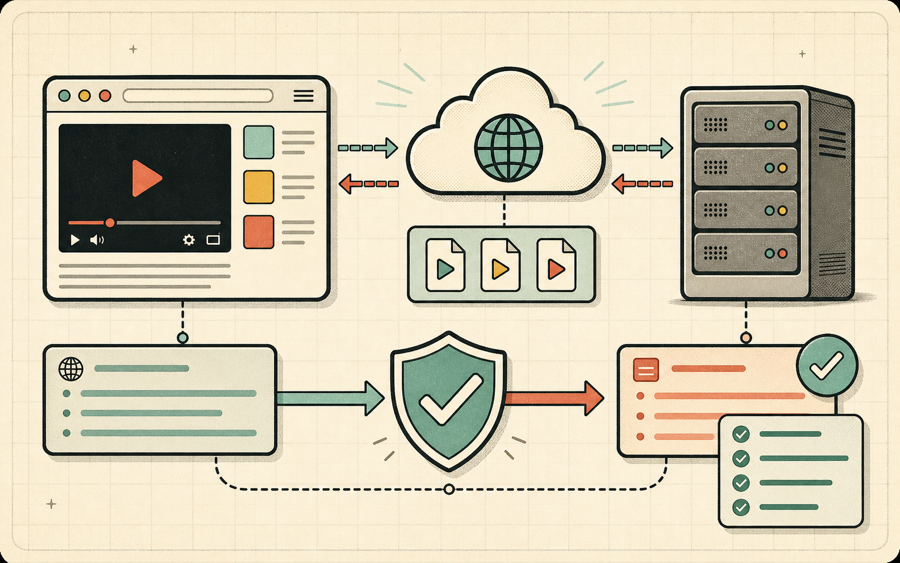
When you use a QR code share feature, the QR image may be requested from a third-party QR code service. When you test a stream, your browser contacts the source host, CDN, or media server referenced by the stream URL. When you open links to guides, resources, or external references, those destinations may have their own privacy rules.
m3u8-player.app cannot control third-party stream servers. A stream owner may log requests, enforce CORS rules, reject unauthorized traffic, or collect access data. If you operate a stream, review your own CDN and server privacy settings before sharing URLs publicly.
Privacy questions
Short answers for common privacy questions about the player. Contact us at support@m3u8-player.app.

Do you upload my video?
No. The website is designed to test remote M3U8 URLs in your browser, not upload video files.
Where are playlists stored?
Recent streams, favorites, and playlist manager data can be stored in your browser localStorage.
Can stream URLs be sensitive?
Yes. Signed URLs, private tokens, and access-controlled stream links should be treated as sensitive data.