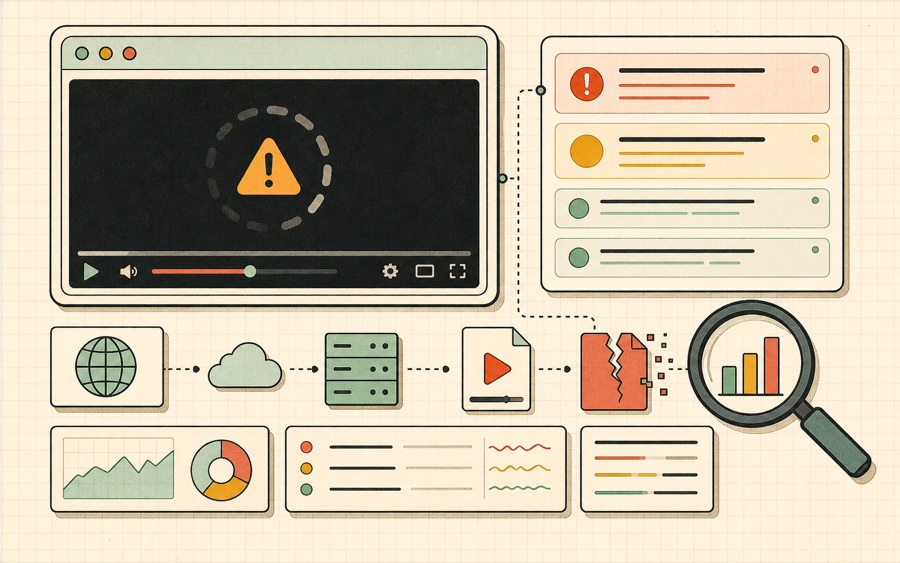
M3U8 errors are not all the same. A user may only see that a video does not play, but the underlying failure can happen at several stages. The browser might fail to request the master playlist. The HLS engine might parse the master playlist and then fail to request a variant playlist. A media segment might return 403 or 404. The segment might load but contain an unsupported codec. The playlist might reference subtitles, encryption keys, or alternate audio tracks that are blocked by CORS. This guide organizes M3U8 errors by likely cause so users can take the next useful action.
The most common M3U8 errors in browser players involve access rules. A stream may be valid but private. Signed URLs can expire. Some CDNs require a referrer, cookie, or IP allowlist. Some playlist URLs work for the application that generated them but fail when pasted into another tool. When the m3u8 player reports a 403 or forbidden category, the stream owner should check token lifetime, signature rules, and whether every segment URL inherits the same authorization logic.
CORS is another major source of M3U8 errors. A desktop app can often open a playlist because it is not bound by browser cross-origin rules. A browser-based player must receive permission from the stream server to read playlist and segment responses. If the server does not send access-control headers, the browser blocks the request before the player can inspect the response body. That is why a stream can work in VLC while showing M3U8 errors in Chrome, Edge, or Firefox.
Manifest problems are also common. A master playlist may reference variant playlists with relative paths. If those paths are rewritten incorrectly by a CDN, reverse proxy, or publishing workflow, the first playlist may load but the next request fails. A media playlist may reference segments that no longer exist. A live playlist may stop updating. These M3U8 errors usually appear as manifest load errors, level load errors, fragment load errors, or repeated network warnings in the event log.
Media compatibility creates another class of M3U8 errors. Browser playback is not the same as native app playback. H.264 video and AAC audio are still the safest baseline for broad compatibility. Some streams use codecs that are accepted by specialized players but fail in a web player. When M3U8 errors mention media, buffer, decode, or codec problems, the next step is to test another rendition or publish a browser-compatible variant.
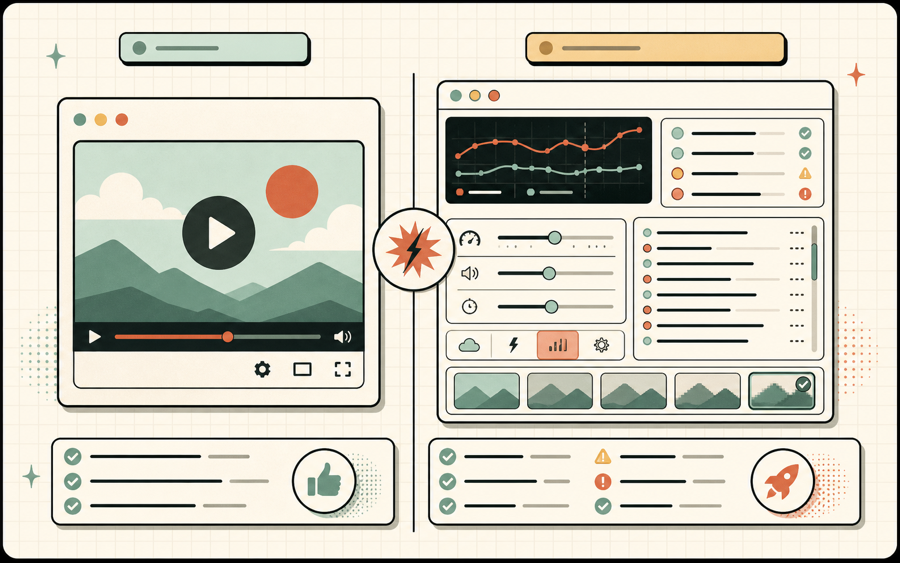
The goal of this M3U8 errors page is to shorten the path from failure to fix. Instead of telling users only that playback failed, the player categorizes the likely problem, suggests a next action, and links to a focused guide. That does not replace CDN logs, encoder logs, or browser developer tools, but it gives support teams and developers a cleaner first report.