Use this guide to evaluate a free IPTV playlist safely, understand what public M3U links can and cannot do, and clean a playlist before testing channels in the browser.
HLS - Browser M3U8 Player
Online video
Use the controls above after loading a stream. Unavailable options explain what is missing.
No HLS events yet. Press Play or choose a demo stream to start diagnostics.
Example M3U8 Links (Click to Use)
1
Tears of Steelhttps://demo.unified-streaming.com/k8s/features/stable/video/tears-of-steel/tears-of-steel.ism/.m3u8
Website embed
Embed Player on Your Website
Generate a lightweight iframe snippet for a public HLS URL. The generated code points to m3u8-player.app and gives publishers, documentation teams, and developers a quick way to share an m3u8 player preview from any website, help center, or internal dashboard.
Responsive 16:9 iframe layout for articles and docs.
URL encoding keeps signed query strings intact.
Useful for demos, support notes, stream QA, and customer handoff.
iframe code generated.
Share this stream
Generate a QR code image that opens this stream in M3U8 Player.
How to evaluate a free IPTV playlist
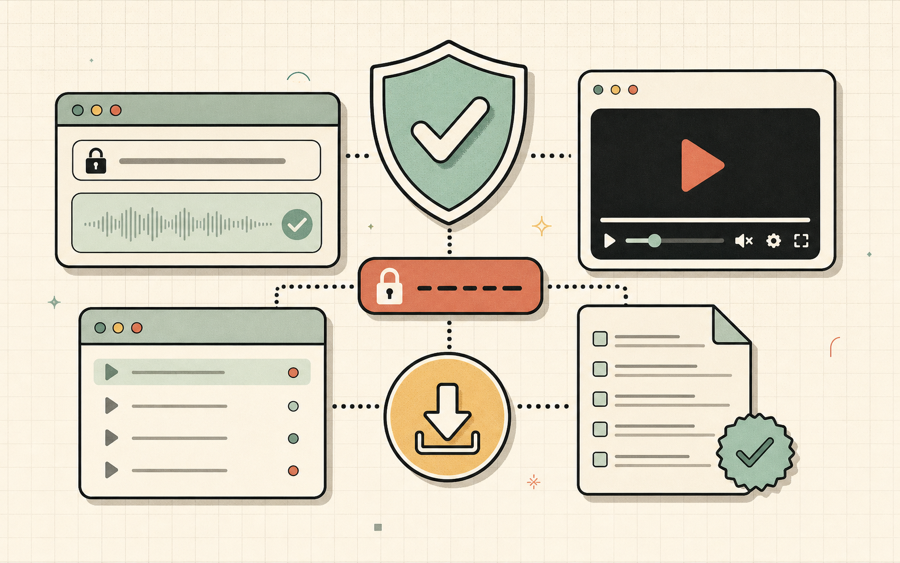
A free IPTV playlist can be useful for demos, education, public channels, and stream testing, but every free IPTV playlist should be checked for source quality, authorization, metadata, and broken links.
SAFE
Use authorized sources
A free IPTV playlist should contain public, owned, or properly licensed streams rather than private or bypassed feeds.
TEST
Check playback
Paste important URLs from a free IPTV playlist into the player and inspect errors before relying on the list.
CLEAN
Remove stale rows
A free IPTV playlist often includes old, duplicated, or failed entries, so cleanup improves the final experience.
M3U
Preserve metadata
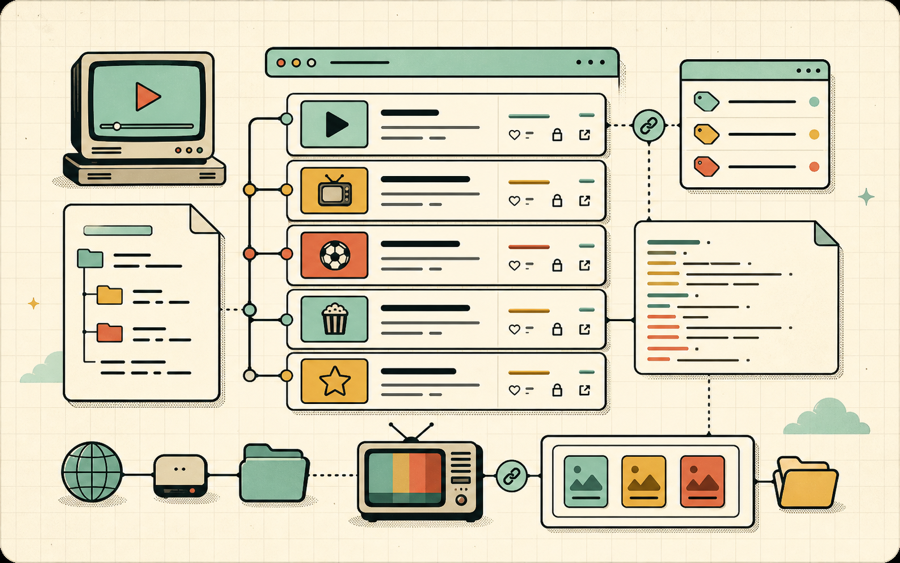
When exporting a free IPTV playlist, keep useful group-title, tvg-id, tvg-name, and tvg-logo fields.
What makes a free IPTV playlist trustworthy?
A free IPTV playlist is trustworthy when its streams are public or authorized, its metadata is readable, and its links can be tested without hiding where they came from. Free does not automatically mean safe, legal, stable, or useful. A good free IPTV playlist might include public broadcaster streams, open demo streams, educational feeds, or channels published by organizations that allow public access. A poor free IPTV playlist may contain expired links, mislabeled channels, private feeds, or URLs that stop working after a short time.
The best way to evaluate a free IPTV playlist is to treat it like data. Open the file, read the groups, inspect several URLs, test playback, and remove entries that do not match your use case. A free IPTV playlist should not require you to install unknown software or bypass access controls. If a stream returns 403, asks for tokens you do not have, or appears to carry content without permission, it is better to remove that entry and keep the playlist focused on legitimate public sources.
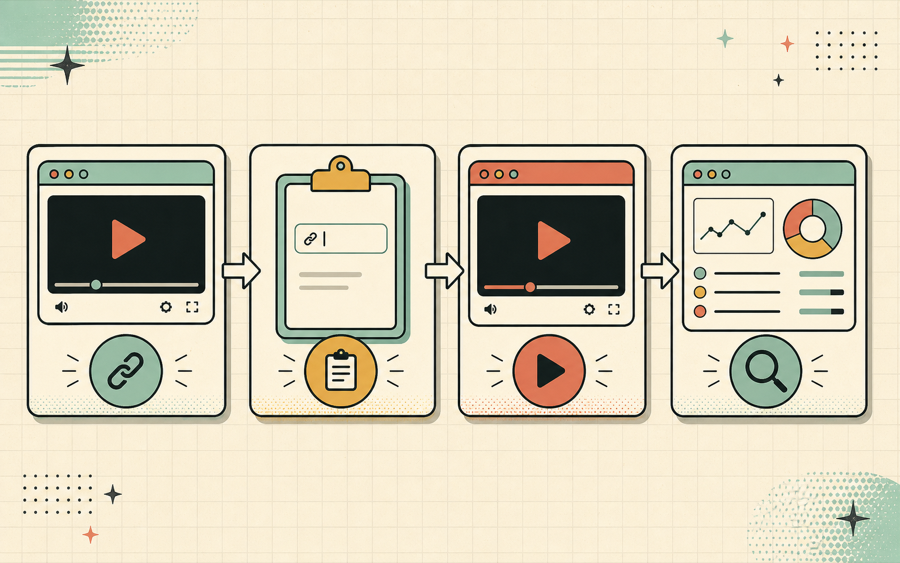
Confirm the source.Prefer a free IPTV playlist from public broadcasters, open demos, or your own services.
Inspect the file.Look for clear names, groups, tvg metadata, and normal HTTP or HTTPS stream URLs.
Test a sample.Open key links in the player and check whether failures are CORS, 403, 404, or codec issues.
Export a clean copy.Use the playlist manager to remove duplicates and save a smaller free IPTV playlist.
Common problems in a free IPTV playlist
Most free IPTV playlist files need cleanup because public links change often and many shared lists are merged from several sources.
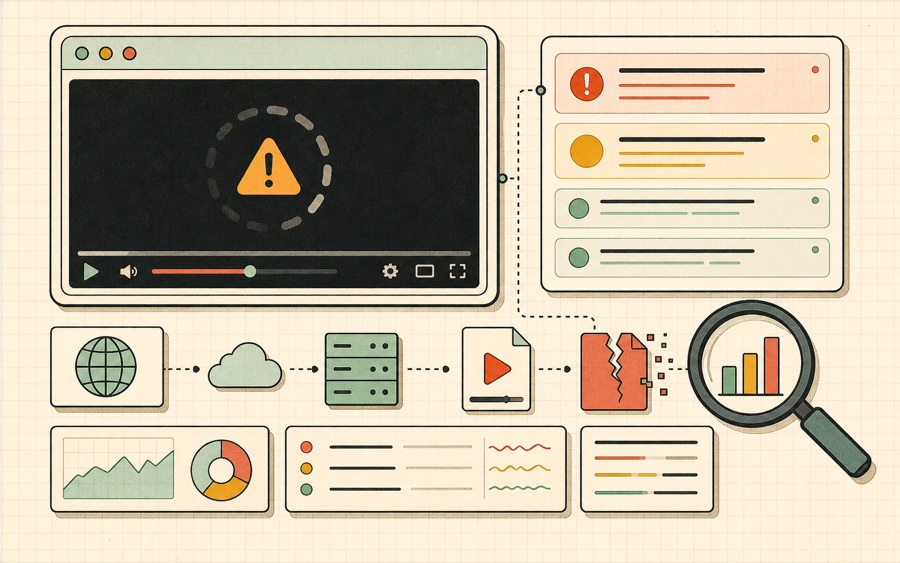
The first common issue is link rot. A free IPTV playlist may work today and fail tomorrow because the source moved, the CDN path changed, the token expired, or the broadcaster changed distribution rules. That does not always mean the whole list is bad. It means the free IPTV playlist should be tested in batches and cleaned over time. A browser player can help identify whether the manifest loads, whether the stream returns 404, or whether the stream is blocked by CORS.
The second issue is confusing metadata. Many shared lists use inconsistent group names, incomplete display names, or logo URLs that no longer load. A free IPTV playlist with vague channel names is hard to search and harder to trust. Good metadata makes the list easier to browse in any IPTV player. It also helps you decide whether a channel belongs in the final export. If you only need public news samples, remove unrelated groups and keep the free IPTV playlist small.
The third issue is duplication. Because free lists are frequently copied, merged, and reposted, the same stream can appear many times under slightly different names. That inflates the channel count but does not improve the user experience. A free IPTV playlist with one hundred unique channels is more useful than a list with one thousand entries and hundreds of repeated URLs. Duplicate cleanup is one of the simplest ways to make the file easier to use.
The fourth issue is unstable access. Some streams are public but browser-hostile because their servers do not send CORS headers. Some streams are available only in native players. Some streams require cookies, IP allowlists, regional access, or signed URLs. A free IPTV playlist can include any of those cases, so status checks should be interpreted carefully. A CORS result is not always a dead stream, but it does mean the URL cannot be tested normally from this browser page.
The fifth issue is rights confusion. This site is a testing and organization tool, not a catalog of channels and not a way to bypass restrictions. A free IPTV playlist should be used with content you have permission to access. Public demo streams, your own HLS feeds, authorized provider links, and broadcaster-published feeds are appropriate. When the source is unclear, do not assume the free IPTV playlist is safe just because it is easy to download.
Free IPTV playlist evaluation checklist
Use this checklist before importing a free IPTV playlist into a daily player.
Check
Good signal
Risk signal
Source
The free IPTV playlist comes from a public broadcaster, open demo, or owned service.
The source is anonymous, reposted, or claims access to restricted content.
Metadata
Channel names and groups are clear and consistent.
Names are vague, groups are missing, or logos are broken.
Playback
Important HLS links load in the player and show understandable diagnostics.
Many links return 403, 404, timeout, or unexplained failures.
Duplicates
The list has mostly unique stream URLs.
The free IPTV playlist repeats the same URL across many rows.
Export
You can export a smaller, cleaned M3U file after review.
The list is too noisy to maintain or too large for normal browser work.
Free IPTV playlist FAQ
Practical answers for safe free IPTV playlist testing.
Does this site provide a free IPTV playlist?
No. This page explains how to evaluate a free IPTV playlist and provides tools to test or clean authorized M3U files.
Can a free IPTV playlist be legal?
Yes. A free IPTV playlist can be legal when it contains public, owned, or authorized streams.
Why do free IPTV playlist links fail often?
Free public links can move, expire, change CDN paths, or block browser requests, so regular testing is necessary.
Should I remove duplicates from a free IPTV playlist?
Usually yes. Removing repeated URLs makes a free IPTV playlist easier to search, browse, and export.
Can I use the playlist manager with a free IPTV playlist?
Yes. Paste the M3U text, inspect groups, check visible rows, remove duplicates, and export a cleaned free IPTV playlist.